Category: How To

Picture Book City: Catalog

picturebookcitypng

This post is LONG overdue, but as soon as I had written it, we had to change everything in the catalog and start over!

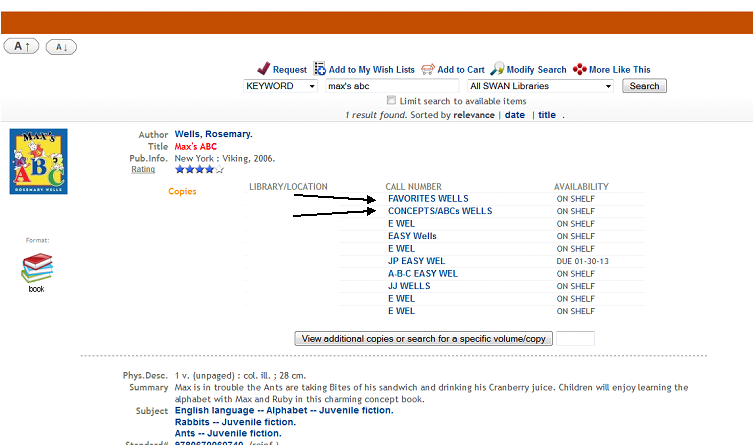
There were a lot of questions about how we were going to display the call numbers in the catalog. We are very lucky that we have almost complete autonomy on what we can list in the catalog, as far as number of characters etc. And we thought that we wouldn’t have a problem including the slashes that we use on the book spines. So, that’s the direction that we first went with:

My library's copies are the first two listed.

My library’s copies are the first two listed.

(You can see that some of our multiple copies got split up between neighborhoods!)

I loved how this looked in the catalog. I thought it was very clear that the neighborhood and street were linked. My staff members had learned how to read the calls again, and patrons were giving us positive feedback.

And then we ran a report.

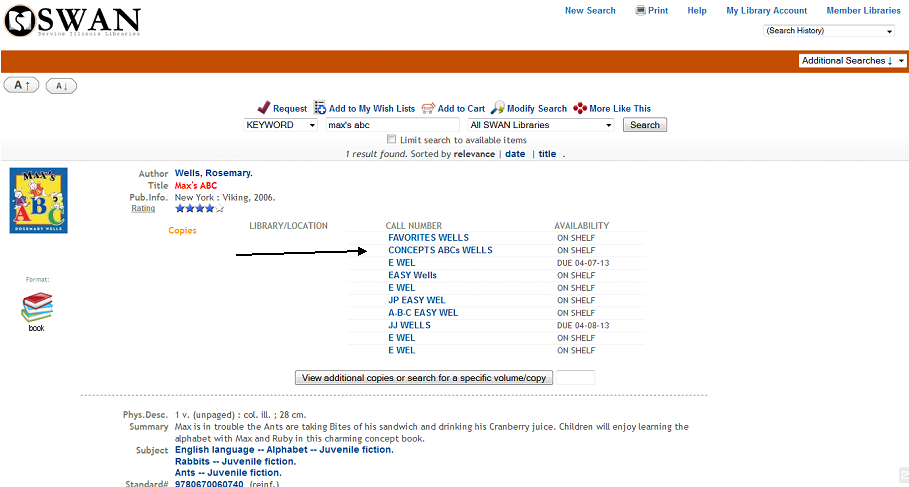
And those sweet, beautiful looking slashes messed up how our reports were run. And we had to get rid of all the slashes. Now, our catalog looks like this:

Still functioning, but I miss those slashes.

Still functioning, but I miss those slashes.

Staff and patrons have adjusted from this change (we made it about a month ago now), and everyone is still able to navigate without the slashes. I will likely always miss the look of them, but understand and support letting them go for functionality.

Next up, signs in Picture Book City!

New Books In Picture Book City

picturebookcitypng

Besides the obvious re-cataloging going on, I’m still purchasing new books. As they arrive in the library, I now have the task of reading each book and deciding where it will go in our neighborhoods.

Messy desk, with books in process!

Messy desk, with books in process!

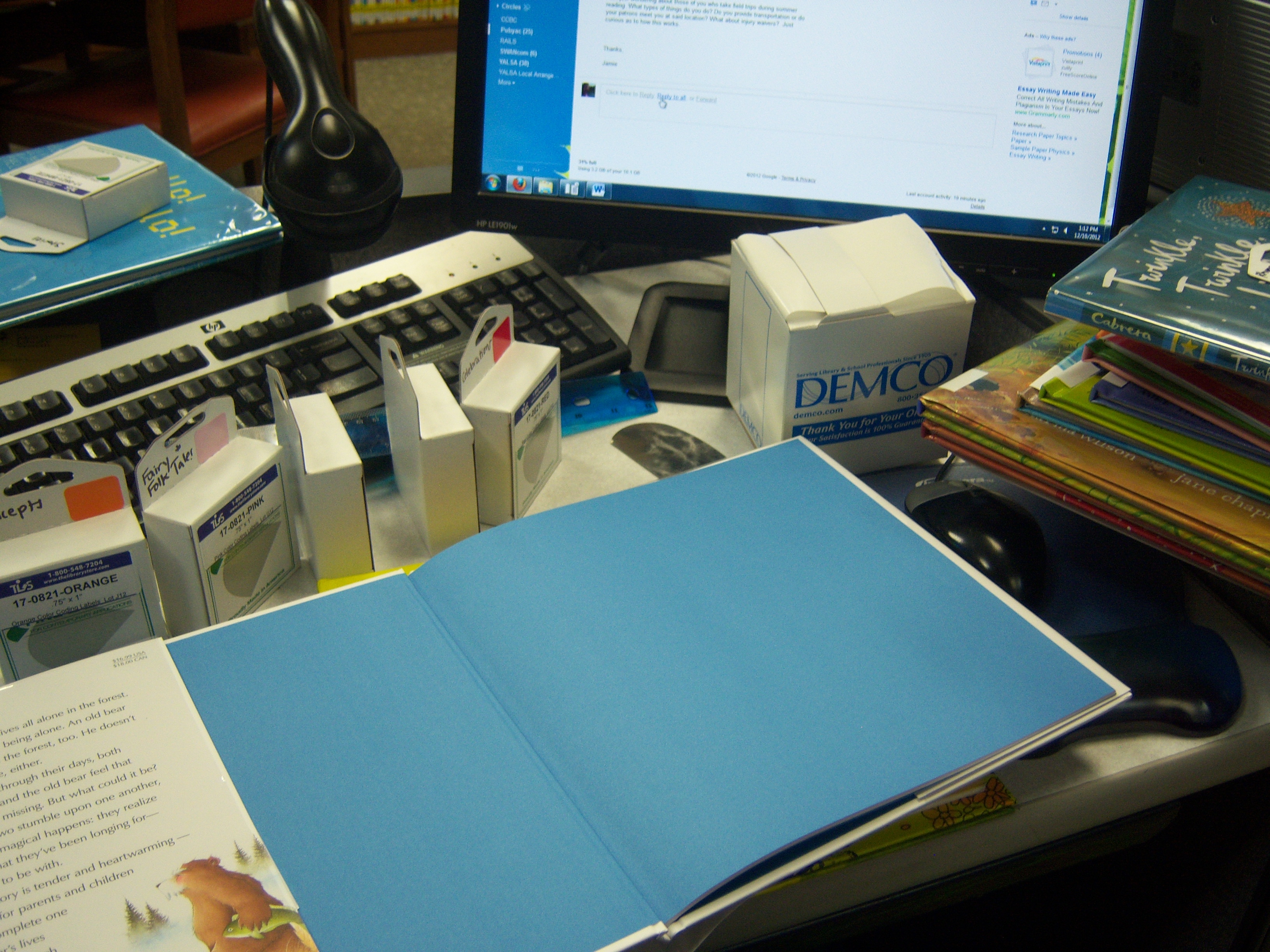
When new books arrive, I take them back to my desk and read the, to figure out where they will go. It’s a bit of a messy process as you can see from the picture!

If I have trouble deciding where the book will go, I do look in our catalog and see what subject headings have been assigned. (Since we’re a part of a large consortium, it is rare that we are the first library to receive any title.) Sometimes that helps and sometimes it confuses me even more!

The biggest problem that I’ve come across is when I want to be a book into two different neighborhoods. Larger libraries would have the option of buying a second copy, but with $1000 for picture books for the year, I don’t always have the option. So I’ve been keeping a wishlist of titles that I would like doubles of if I can get them/afford them.

After I decide where the books are going, I make the labels and take them back to Tech Services where they then get barcoded and added to the catalog.

Next week, come back for a look at how the books appear in our catalog and a status update on how complete the project is after a full month of working on it!

Favorites Neighborhood in Picture Book City

picturebookcitypng

Our biggest section in Picture Book City is and will likely continue to be the Favorites section. It’s where we are putting all those popular characters like Dora the Explorer and Disney.

So far it’s been the easiest section to determine and doesn’t require a ton of input from me since we already shelved our character books under “J-E FIC DOR” or “J-E FIC DIS.” My staff has been able to work on this without my direct input, which has been super helpful.

I did decide to continue using the character’s name in place of the author last name on the spine label. That way whoever writes a Dora media tie-in will be shelved with all the other Dora tie-ins.

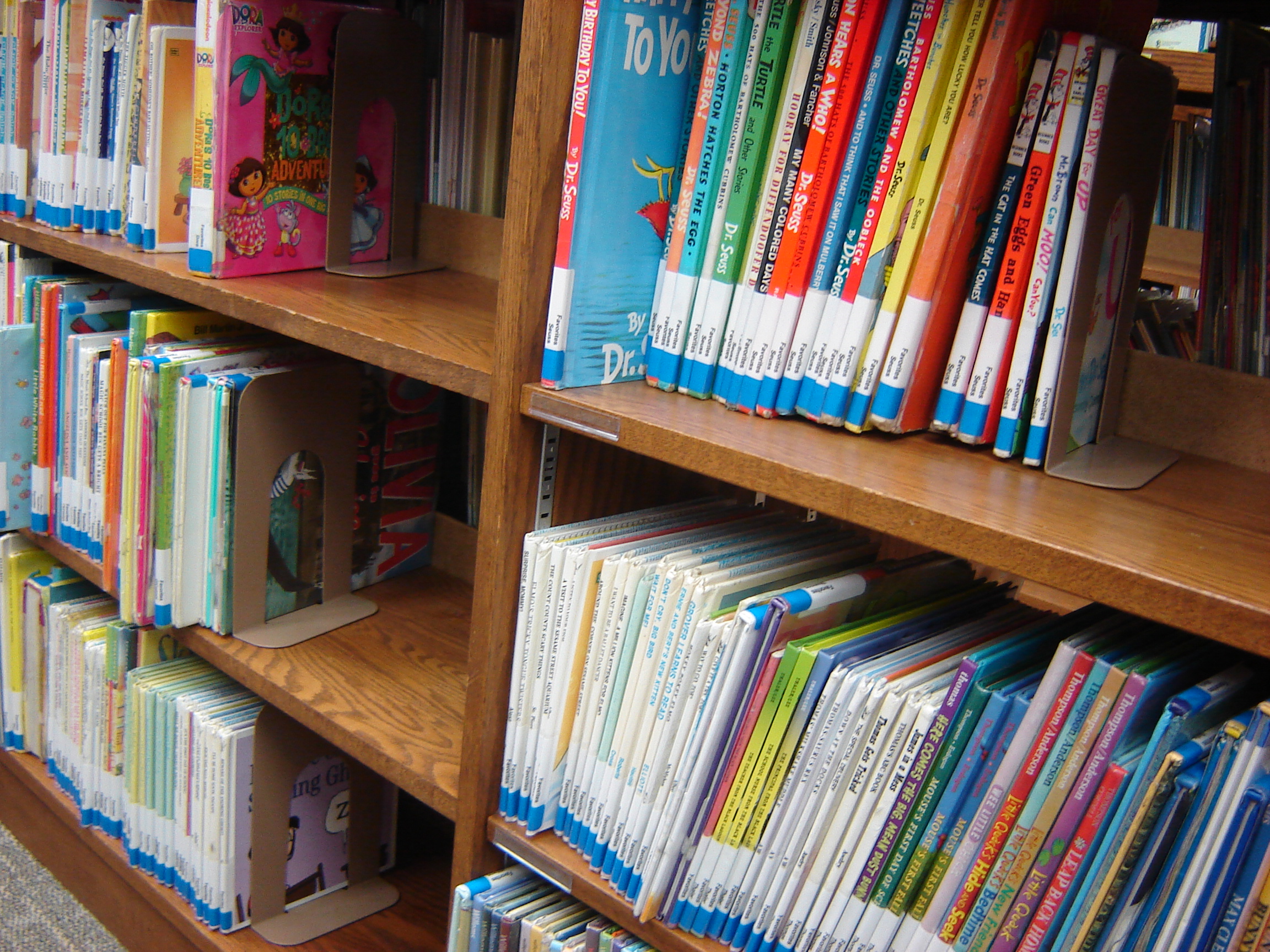
Six shelves of Favorites!

Six shelves of Favorites!

But this section is also for authors that I don’t want to split up. I’ve already designated Kevin Henkes, Lauren Thompson, Mo Willems, and countless other authors to this section. This is what my staff worked on while I was at Midwinter and I came back to eight full shelves completed!

The last part of Favorites is our only “street” in the section — Favorites / Awards. I have all the Caldecott winners. I didn’t put honor books, simply because we already have 75 winners and that’s a shelf and a half. (We do have all the winners though. I went through the list recently and double-checked since the schools assign the kids to read Caldecott winners and we have a local library school close by.)

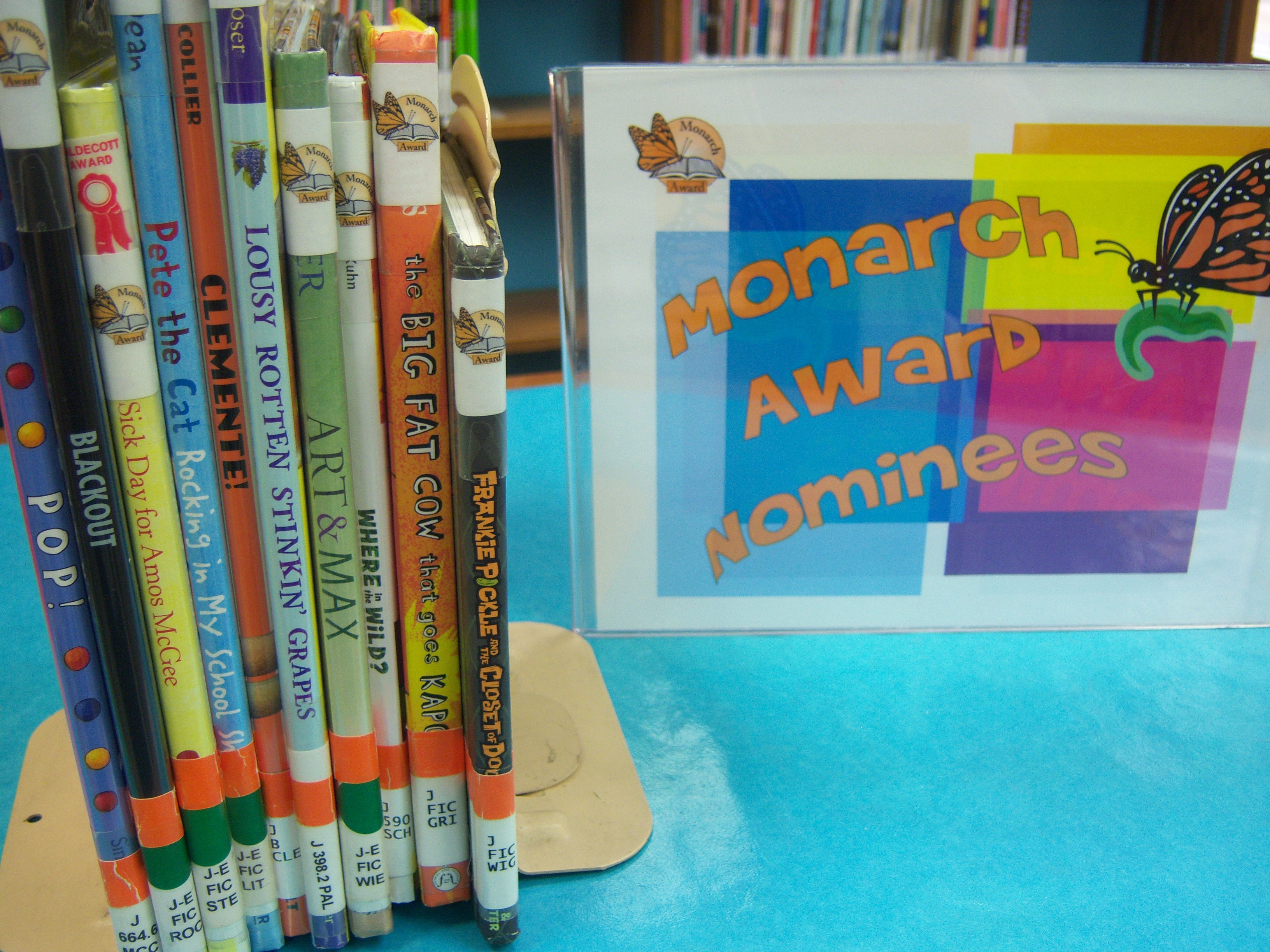
Monarch Award nominees for 2013!

Monarch Award nominees for 2013! (Nominees for the current year are shelved separately. I promise there are some in PBC!)

I also pulled our state awards, the Monarchs, for Favorites / Awards as well. I struggled here since we only have seven winners so far. I wondered if I should include the second and third place winners to beef up this area. Ultimately, it made more sense to think towards the future when we’ll have 75 winners there too!

One of the most important things that I kept in mind while working on this section was whether it was a favorite of the kids/patrons or if it was a favorite of mine. So, even though I love Antoinette Portis, I separated out her books since the kids/patrons would benefit more from seeing “Kindergarten Diary” in Growing Up / School.

I’m still finding a few more books to add as I go through the rest of the books, but I think that overall, we are mostly done with Favorites.

Coming up on Picture Book City — what happens when a new box of books comes in? How do they get processed? Tune it next week!

Parenting Section, the 100s, and Picture Book City

picturebookcitypng

In this installment, I’m going to be talking about the difficulties in moving some non-fiction into Picture Book City.

For the most part, integrating non-fiction into the subject categories was a really easy thing to do. Animals? Straight into Nature. Community Helpers? Growing Up / Jobs. Fairy tales, nursery rhymes, songs, everything had a place. Except for a lot of the 100s.

Where do we put those books on loss? Divorce? Abuse? Should we create a Parenting Section and move all those titles there? But what about the picture books like “I Remember Miss Perry” (teacher loss) and “Remembering Crystal” (friend dies) that were already in picture books? Should we pull all the tough topic books out?

After a few days of asking Twitter for suggestions about Parenting Sections, I ultimately decided that we didn’t have the shelf space or the need to have a parenting section. But I needed to make a rule about what kind of books went into Picture Book City and what books went in J Non-Fiction.

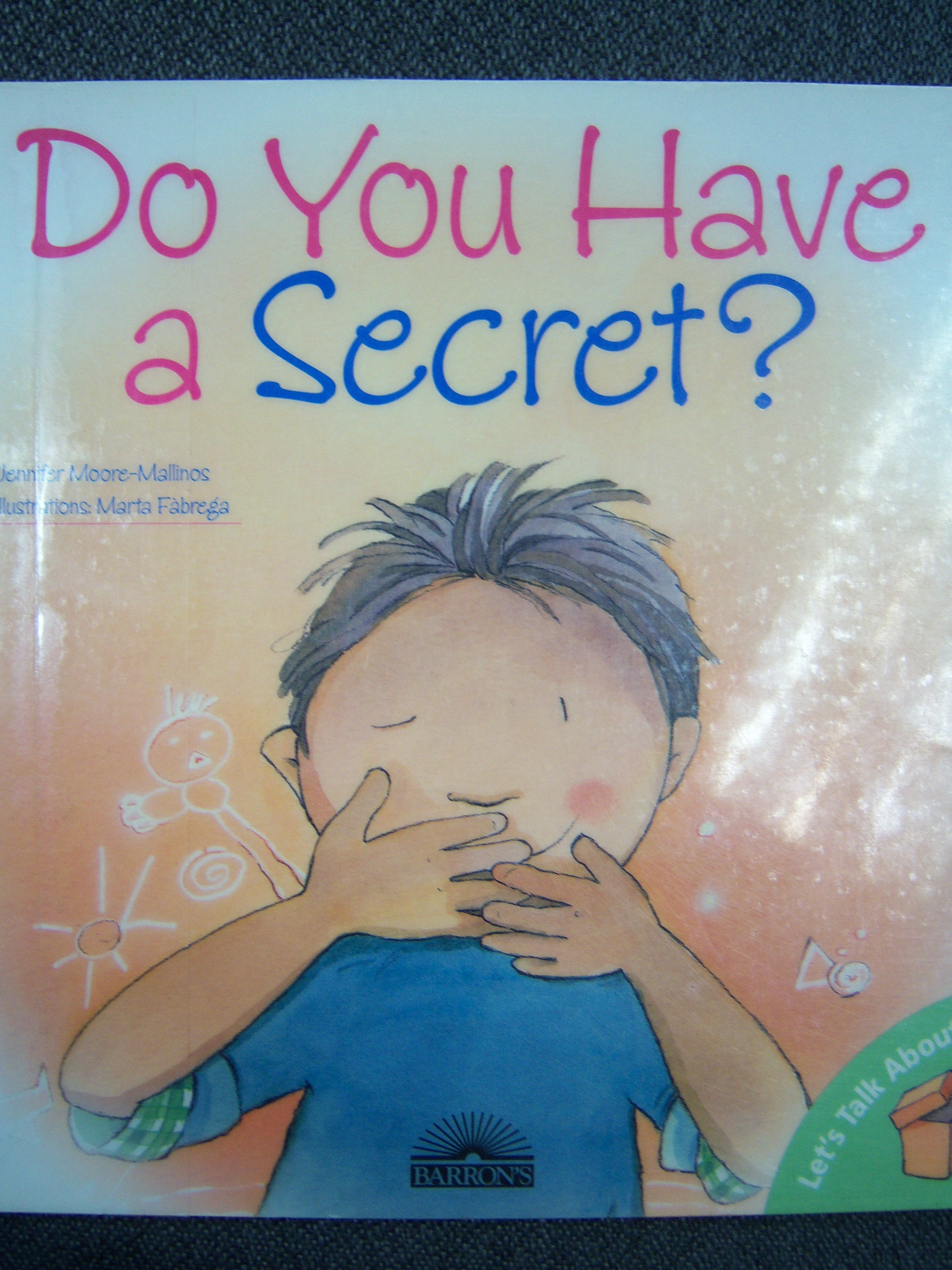
Where to put this?

Where to put this?

I decided that topics that every child goes through (loss, in particular) should go in Picture Book City if it was in picture book format. Topics that are not universal (divorce, abuse) wound up in J Non-Fiction. We have updated our pathfinders for parents who are hesitant to ask for books, and are monitoring the situation to see if I need to re-think the decision.

Part of Picture Book City is taking a chance, making a change, and be willing to throw it out if it doesn’t work!

Next week, I’ll talk about our largest section so far — Favorites.

Labeling in Picture Book City

picturebookcitypng

This week, I’m talking labels and re-cataloging!

labelsSince we had decided to merge two collection (J-E FIC and J-E Non-Fic), we needed to come up with a brand-new way to do the labels for the new neighborhoods.

Already, we had decided to list full neighborhood and a street on the label, with a slash in-between them to distinguish for both pages/clerks and patrons.

One change that I knew I wanted was to have the full author’s last name instead of the previously done three letter abbreviation. With this new system, “WIL” wouldn’t be a mixed-up shelf with Willems, Wilson, Williams, etc. interfiled.

Ultimately, we wanted to work with what we already had in-house supplies as far as labels went. All of our books — both Youth and Adult — use the same Uline labels (S-10770 if anyone wants to be super specific!) and Demco clear label protectors (SKU# 12882640). So I came up with how much more room I had under the label protectors and found a label system that I really like from The Library Store. We are using the 3/4″ by 1″ size in the following colors: Violet, Red, Orange, Blue, Pink, Yellow, Green, Lavender, White, and Tan. The colors pictured online vary a bit from what’s pictured online, but we’ve been really happy with what we’ve received.

All of our spine labels in Non-Fiction are done vertically and we went that way with Picture Book City so that everything was easy to be read. The few problems are with the very tiny spines of media tie-in paperbacks.

As for our cataloging — yes, we are changing everything in the catalog. That means locations, types, call numbers — EVERYTHING. Since the idea for the project originated from my Circ/Tech manager, we have the full support of Technical Services.

So, the order of how we do things:

  • Youth Services support staff, teen volunteers, and myself peel old labels off and clean books.
  • I read each book and decide where it will go, make the label, and put the labels on. I also mark the book off on a master list of our picture books so that I can make sure we are accounting for every book.
  • Technical Services make changes in the catalog.
  • Pages/Clerks re-shelf items and shift if needed.

Basically, since we are a small to medium sized library, we just keep plugging along doing what we can each day to get this project done. Our projected completion date is before May, so I can concentrate on summer reading visits!

Next week, the first book section that stumped me…the 100s and “parenting” books!

Welcome to Picture Book City!

picturebookcitypng

Last year, around this time, my Circulation/Technical Services Manager approached me about something she had recently learned about a meeting — organizing picture book by subjects. She wanted to know my thoughts on it. I told her that it seemed like a good idea to me and that I knew a few neighboring libraries had done it to at least part of their collection. I promised to do my research and that once our big non-fiction project had been completed (re-labeling, weeding, and re-cataloging almost every book), I would be game to start on the picture books.

Fast forward to ALA Annual in June and I was unbelievably inspired by the presentation, “I Want a Truck Book!” (Link to materials are all located here on ALA Connect.) That presentation was worth the conference registration all by itself. When Gretchen spoke about the neighborhoods they had created, that was exactly what my library needed. And especially as the only children’s librarian, it was what I needed — a proven way to make this re-organization work when I’d be the only one making decisions.

When Amy posted at The Show Me Librarian in August about her kidlit re-organization, my excitement only grew. Amy had given me the kid-friendly name I was looking for to call our collection — Picture Book City!

Finally, in November our non-fiction project was done and I began.
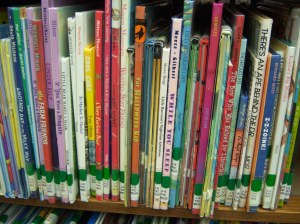
Can you find a truck book in our picture book section?

Can you find a truck book in our picture book section?

We started with approximately 6,000 picture books, both fiction and non-fiction. It was my goal to get rid of our “blue dots” (non-fiction) and “green dots” (fiction) and integrate both into Picture Book City. I wanted to do this because I felt like our community didn’t understand what our easy non-fiction was. Also, the whole point of this project is to give the kids ALL the dinosaur books at once — I didn’t want to run back and forth between two sections.

I started with non-fiction, weeding as I went and also replacing a lot of materials. Reading each book forced me to evaluate whether or not the material was current and relevant anymore. I purchased some new materials about community helpers, the new “my plate,” and updated many more volumes.
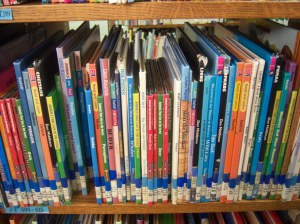
Our messy blue dots.

Our messy blue dots.

While going through the blue dots, I began to realize that I wanted a bit more organization in my neighborhoods. A co-worker from the Adult Services department came up with the idea of “streets” in our neighborhoods. I began to develop some streets.

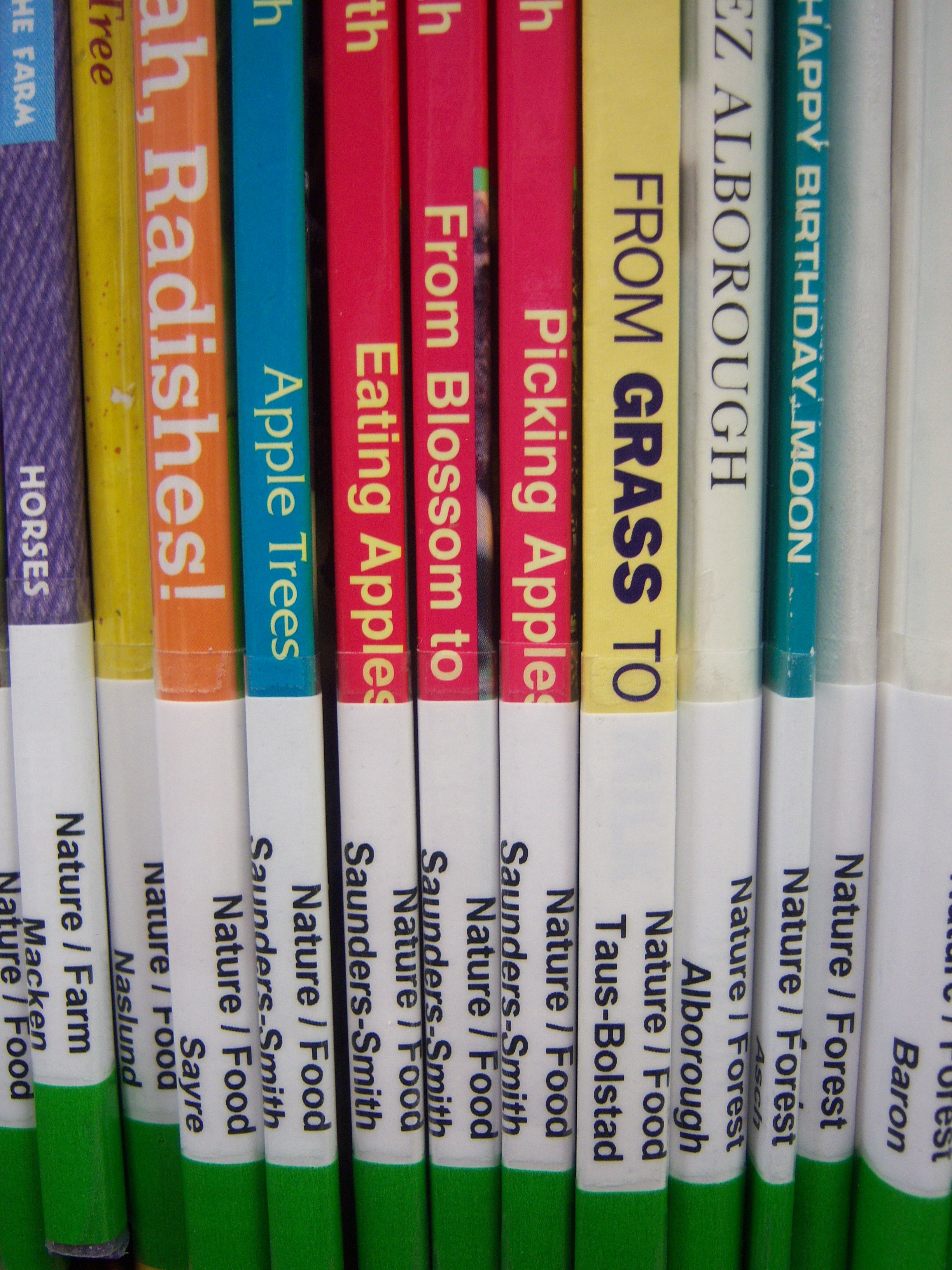
For example, in our “Nature” neighborhood, we have animals separated by where they live: “Nature / Farm”, “Nature / Forest,” “Nature / Ocean,” “Nature / Pets,” “Nature / Zoo.” I hadn’t planned on doing this originally but incorporating the non-fiction made it almost necessary for patrons to find materials. Already, I am receiving tons of great feedback from parents. When I finish this project, I will post a full list of our streets.

This has been quite a process and I’m very happy to share my journey — both satisfaction and frustration — as I go along. Let me know if you have any specific questions and I will do my best to address them in a future post! As I’m going alone with the process, I’m hoping to have everything done by the time I have to do school visits for summer reading. I am blessed to have help from Tech Services to change the call numbers in the catalog and some support staff who have agreed to peel our old labels off.

Next week…how we chose to label and re-catalog our books and why!

Flannelboard: Kite

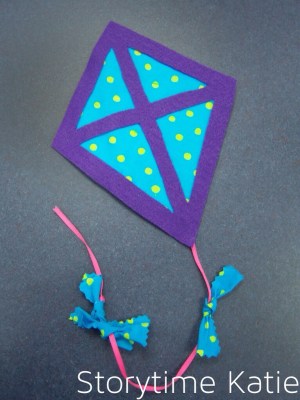
Joining in on #flannelfriday, I’m showing a kite flannel I made this week for “Play” storytime in April/May.

This is basically a felt base layer, some quilting squares I bought at Joanns, and a felt frame over the fabric. Ribbon for the tails, and more of the fabric for the bows. My amazing co-worker brought in pinking shears and fray check to make sure the bows stood up over time!

Here’s my rhyme:

Five Little Kites
One little kite in the sky so blue,
Along came another, then there were two.
Two little kites flying high above me;
Along came another, then there were three.
Three little kites, just watch them soar,
Along came another, then there were four.
Four little kites, so high and alive
Along came another, then there were five.
Five little kites dancing across the sky,
What a sight to see, way up so high!
Credit: Step By Step — Kite Theme

And I used the kite part of the Oriental Trading craft we’re doing to make a template, if anyone wants a copy — I will be sure to try and scan the foam piece in for you when I’m back at work on Monday!

Clip-Art Flannelboard: “Mary Had a Little Lamb”

Templates for flannelboards are super nice, but it’s not hard to pull together some clip-art to make your own flannels without templates. I’m planning both a sheep storytime, and a Nursery Rhymes special program for this spring — so I tried to kill two birds with one stone by doing “Mary Had a Little Lamb” as a flannelboard.

I started off with the Mary Had a Little Lamb Magnet Pages from Making Learning Fun. This has both the sheep and schoolhouse that I used, but I wanted a more contemporary looking Mary.

But I still needed the teacher, and the kids laughing and playing. So I turned to Google.

Keyword search: “teacher.” Found on second page of a Google search, limited by clip art.

Keyword search: “children laughing and playing.” Found it on the fourth page of a Google search, limited by clip art.

I did have to freehand the teacher’s legs and shoes. And I used the middle child as Mary, freehanding her clothes.

All my clipart files, sized and everything, available here.

And the final product:

And a close-up of the kids because they are my favorite flannel piece right now:

Flannelboard: “I’m the Biggest Thing in the Ocean”

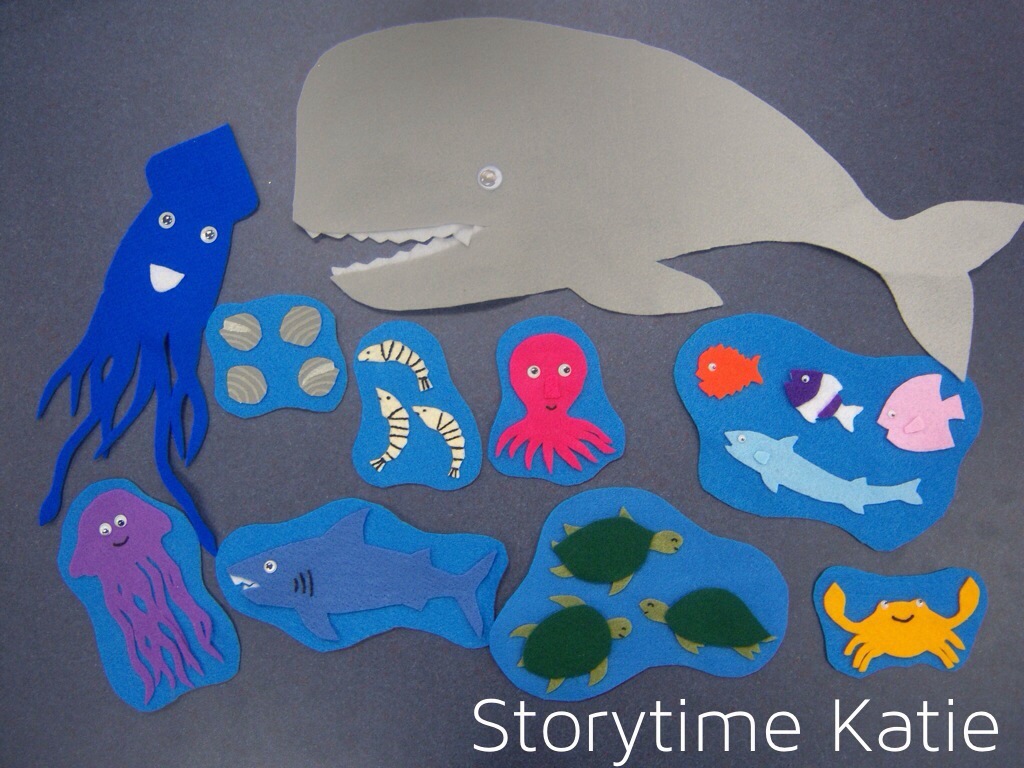
A quick break before I get my new storytime post up this Friday to say that I finished up a flannelboard that I actually made on the plane ride home from ALA Annual. I saved the painting portion for my library, but my co-worker bought me tiny Tacky Glue bottles from Michael’s so that I could bring them in my carry-on luggage. (And thus, cut and glue the pieces on the plane.) I was VERY lucky to not have anyone sitting next to me on the ride home from San Diego.

Anyway, I got the template for “I’m the Biggest Thing in the Ocean” at Kizclub. I added the backing of the light blue (which is the same color as our flannelboard’s large ocean piece), so that it was easier to put up several pieces at a time. The story is, of course, by Kevin Sherry.

If you’re making this set, I highly recommend taping the whole template down over the octopus/squid legs. It will give you much cleaner cuts, even during turbulence!

Fall Flannelboards

As promised…though I waited until the very last day of Fall to do it…some pictures of the flannelboards that I made for storytime, but didn’t make a giant post on!


“Big, Bigger, Biggest” — Templates from Google Image Search

Big, Bigger, Biggest
A little ball, a bigger ball, and a great big ball I see
Now help me count them, one, two, three!
Credit: Debmonn PB Wiki

I used this with my opposites storytime, back in October.


“Dog’s Colorful Day” — Template from Making Learning Fun

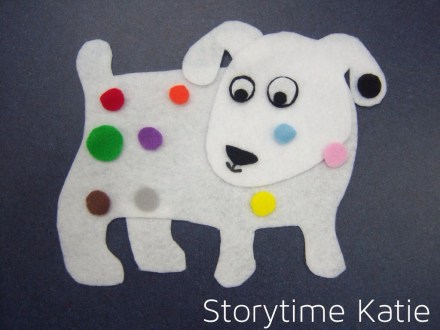
I do this flannel with the book “Dog’s Colorful Day” by Emma Dodd. I actually haven’t used this flannel yet, but I found it and it was too cute (and too simple to make) to pass up.


“Big Green Monster” — Templates from Kizclub.com

This flannel is used to tell “Go Away, Big Green Monster” by Ed Emberley. I used this in my monsters storytime.


“The Penguin Went Over the Iceberg” — Templates from Google Image Search

I used this flannel just this past week, in penguin storytime. I haven’t gotten my post up, but I used the flannel with a song:

Penguin Went Over the Iceberg
The penguin went over the iceberg,
To see what he could see,
The penguin went over the iceberg,
To see what he could see.
The other side of the iceberg,
Was all that he could see,
The other side of the iceberg,
Was all that he could see!
Credit: The Best Kids Book Site


Shapes — Templates from KidsSoup

I used this flannel with my shapes storytime to not only help the kids identify what shape I was talking about while singing; but I also used them as a flannel game, hiding the dog from “Dear Zoo” underneath each shape.


And that sums up the new flannels at my library. I’ll be updating the “Flannelboards” section on the blog just as soon as I get a chance.