

This is an update of a previous Flannel Friday post!
Quick re-cap:
1. I made these in Publisher using Microsoft Clip Art. That being said, I am not comfortable uploading the files because I don’t have permission to distribute Microsoft Clip Art. Also, since I made these at work using work’s Microsoft license, I am choosing to be ESPECIALLY careful about copyright.
2. I custom-made these based on the ABC storytimes I did. Some of the picture don’t necessarily translate without the storytime. (For example, the ballet shoes, which the kids realized represented dance since I read “Hilda Must Be Dancing” first.)
And now without further ado, the letters!!
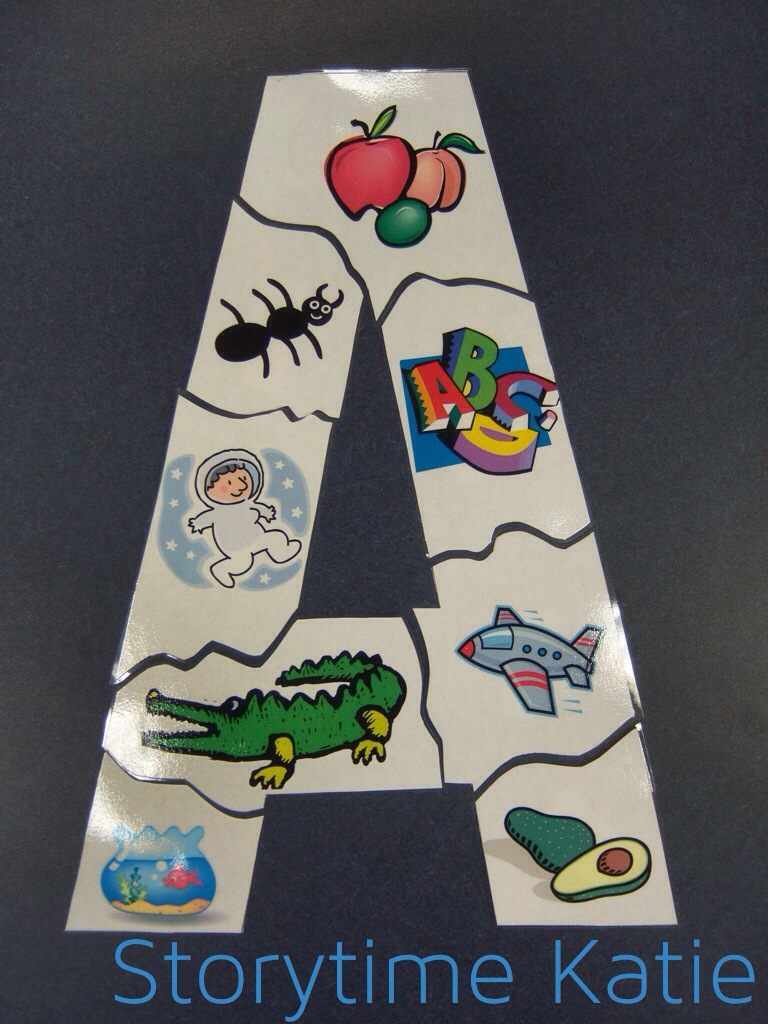


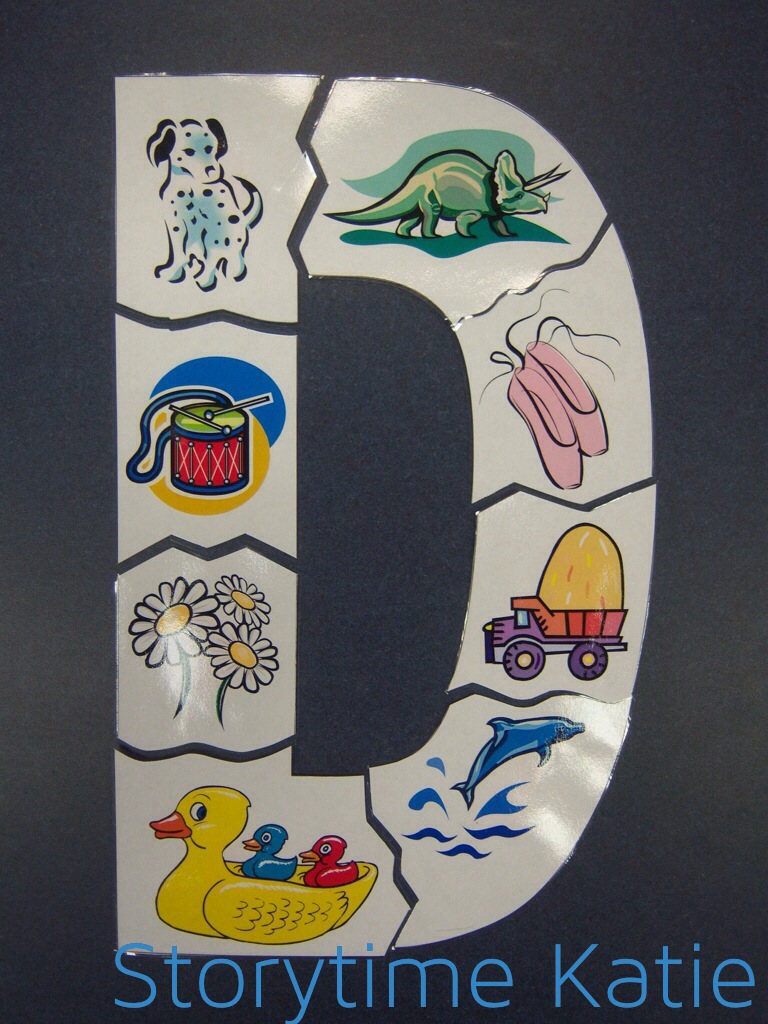

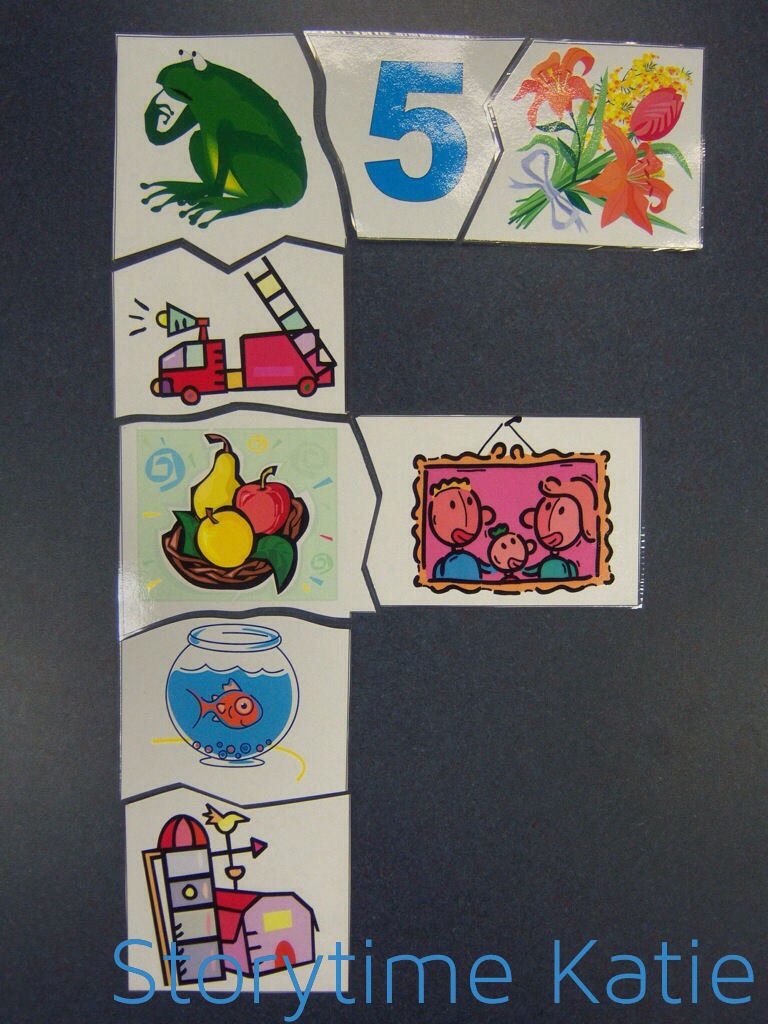
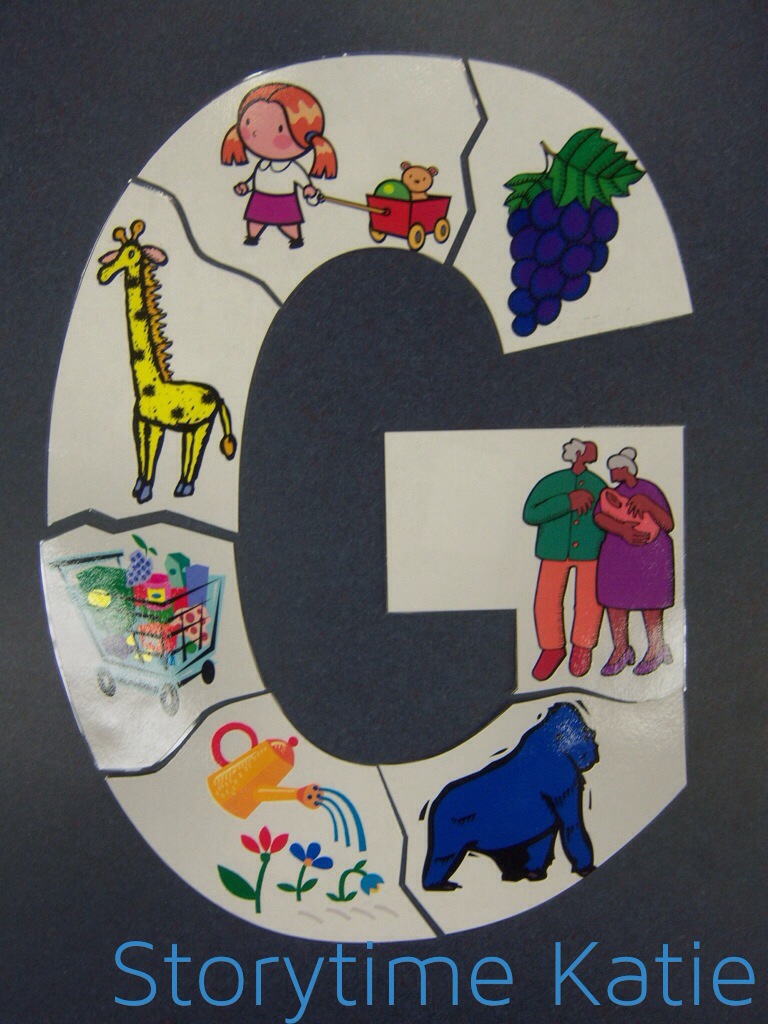


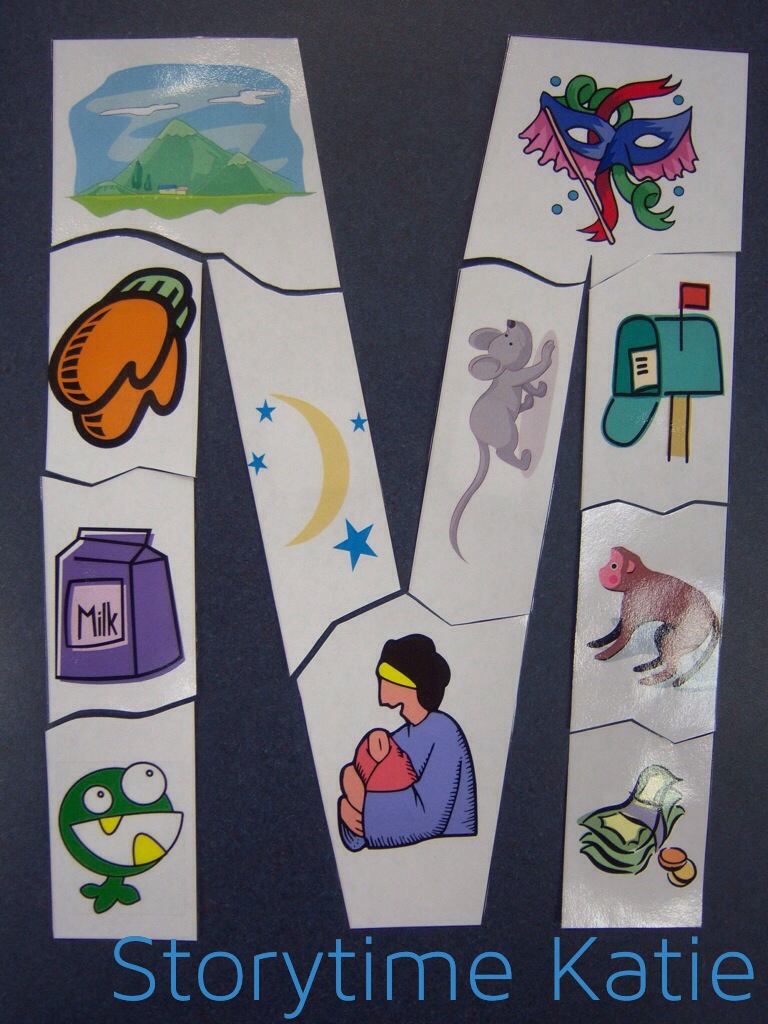
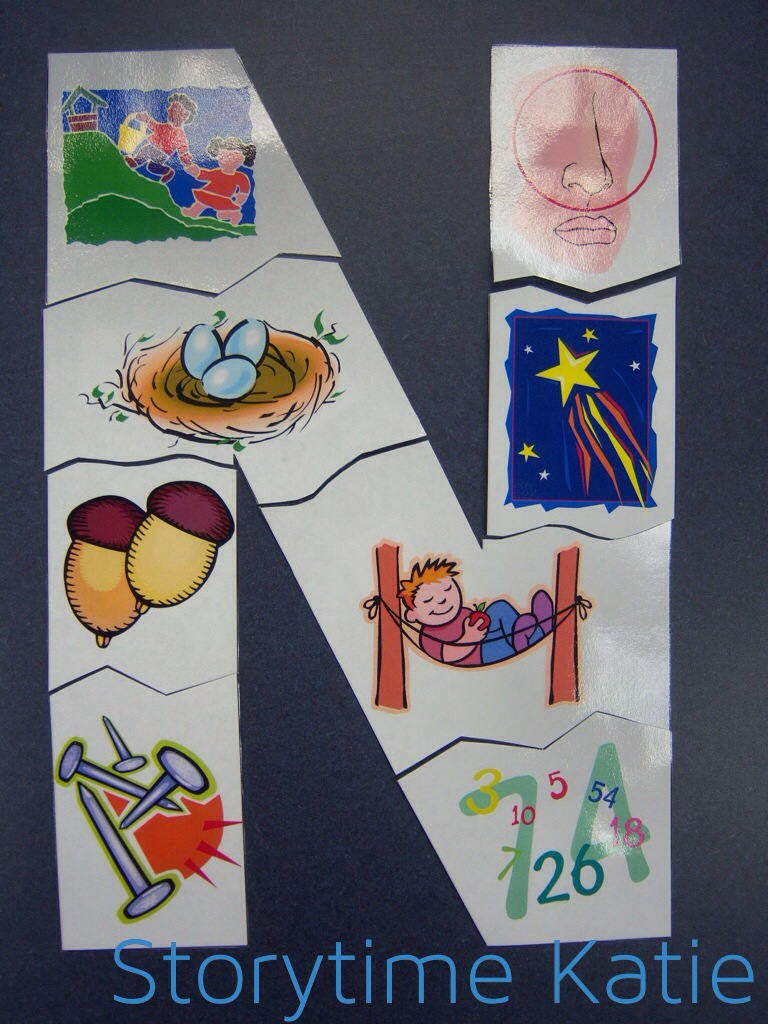


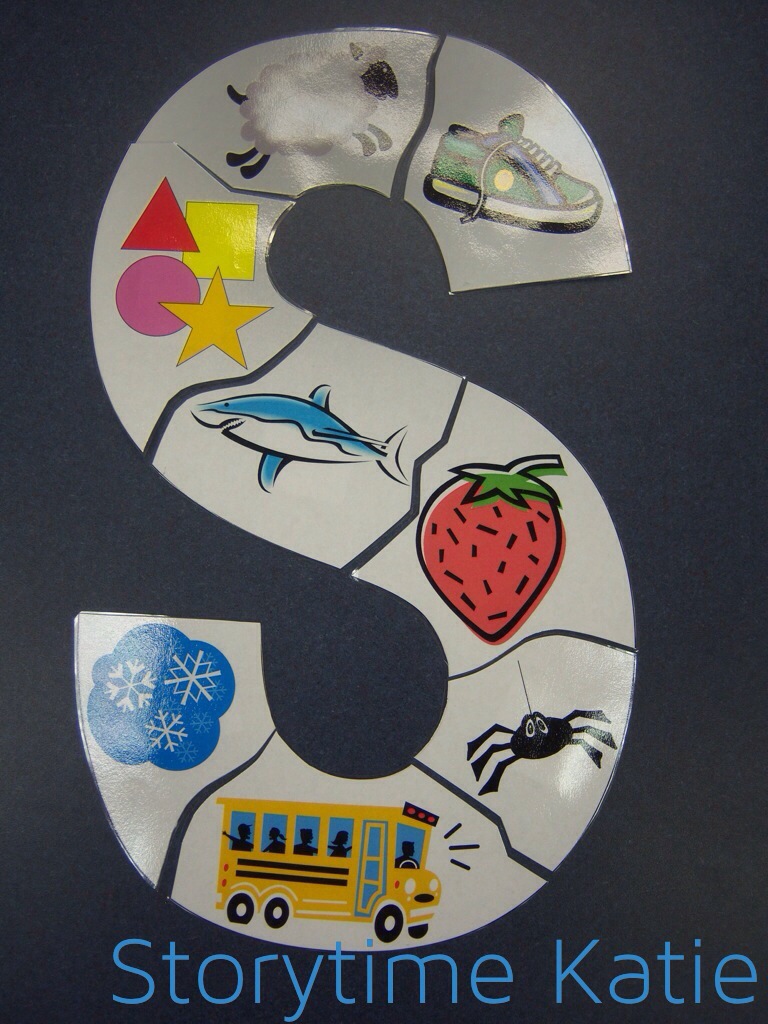

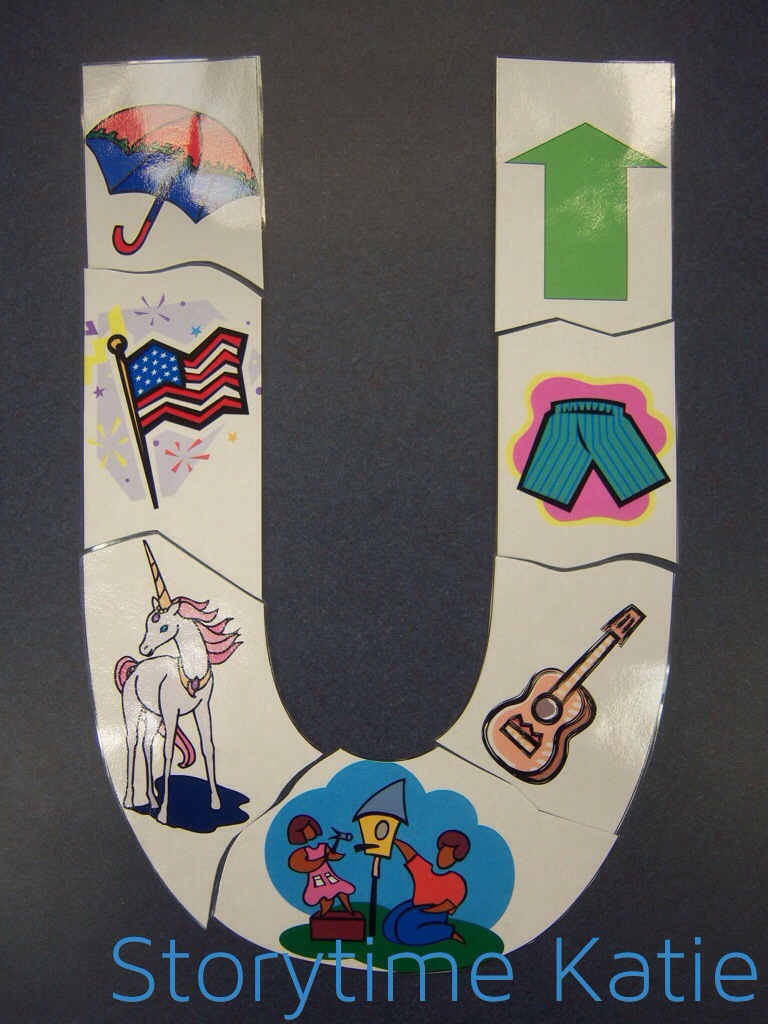
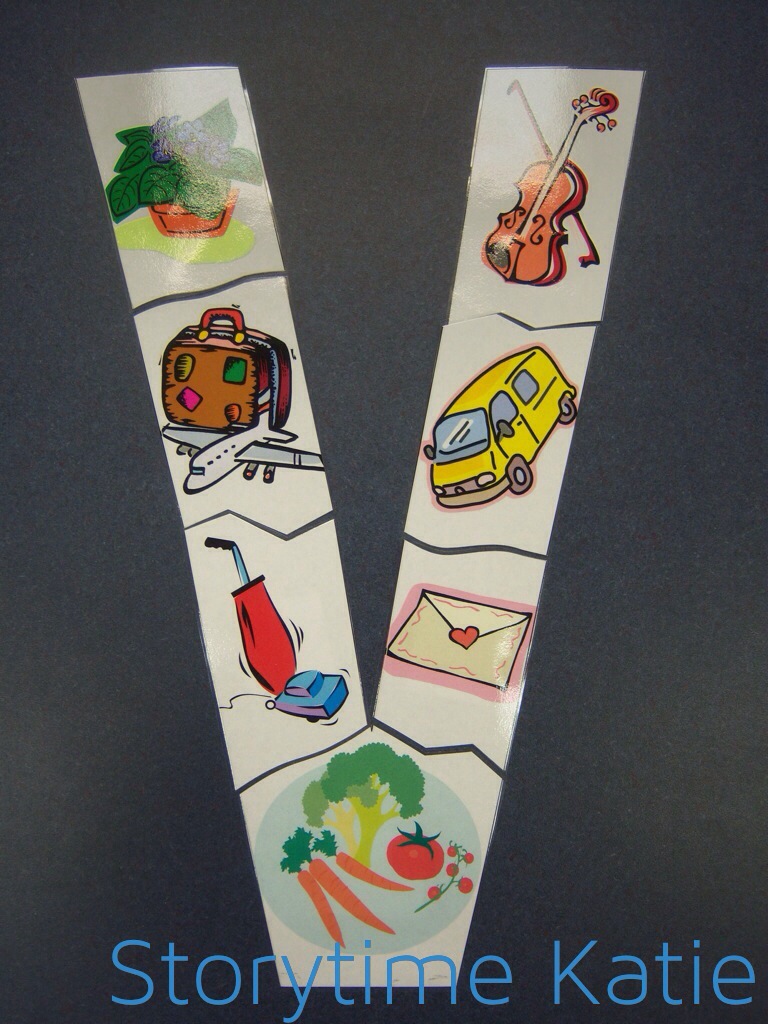
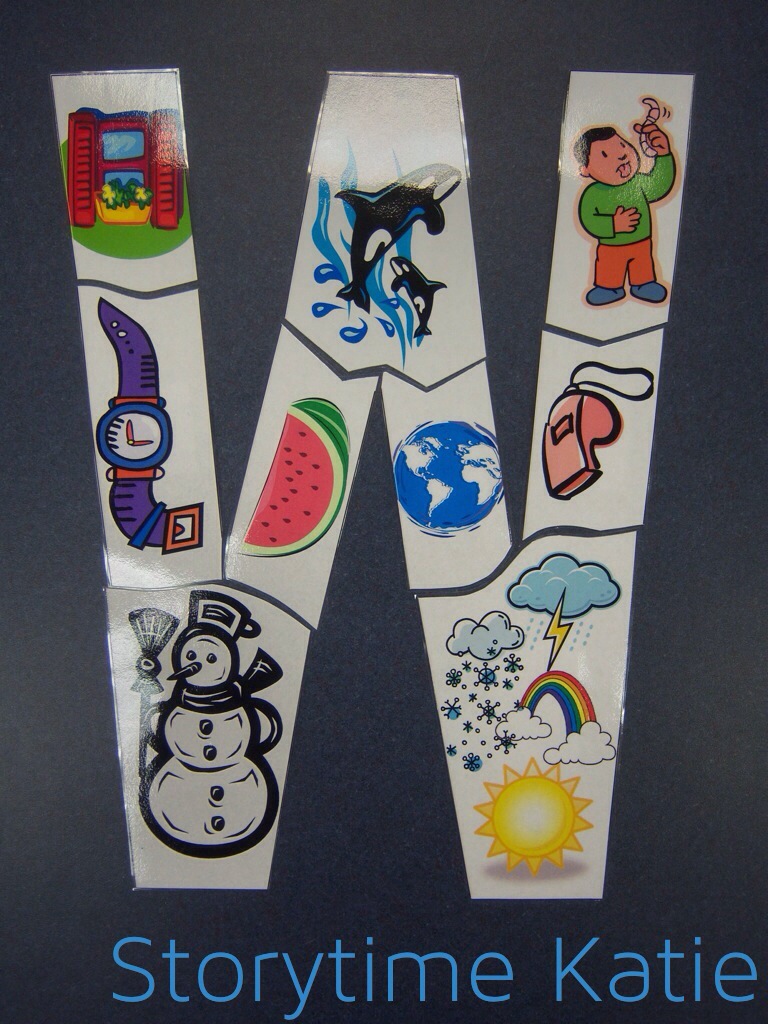

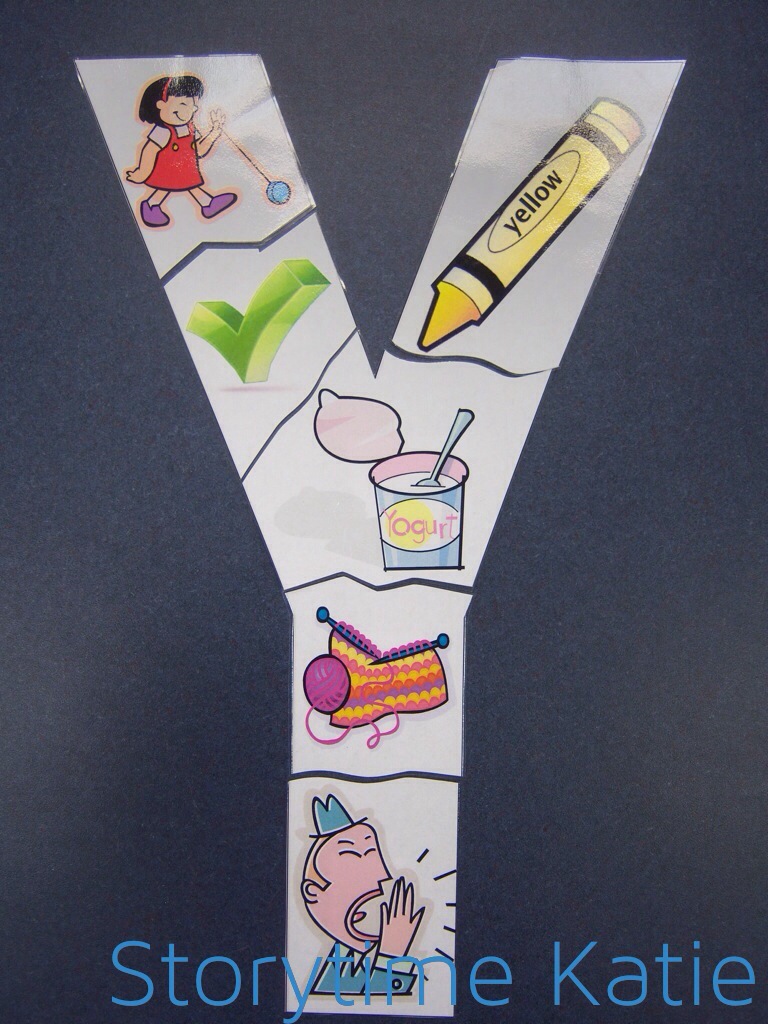
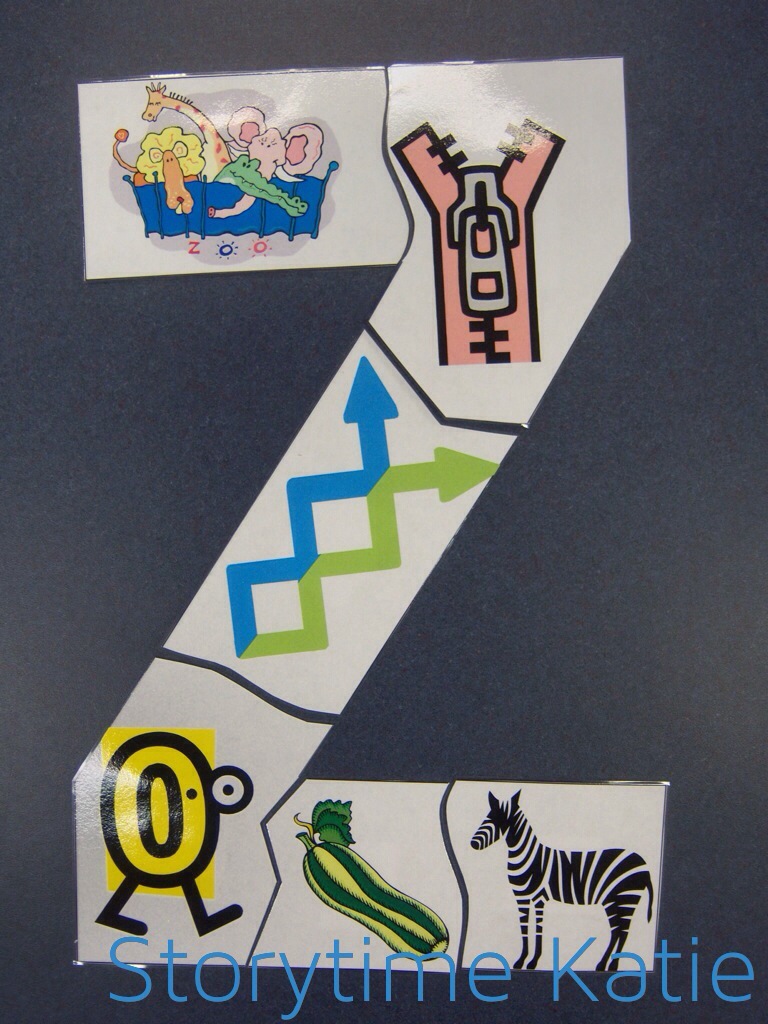
-
If you want to try and make these yourselves, here’s what I did:
- Use WordArt to make the letter in Microsoft Publisher. I left it on the default font. The fill color was already set to white.
- Find ClipArt and arrange it in the letter.
- Print letter and cut around the clip art. I just made zig-zags and bubbly lines.
- Laminate and cut around the pieces.
- Attach sticky-back felt to the back of the pieces
And that’s that!
—
Lisa will be hosting the first round-up of 2014 on Friday, January 3rd! (I’m just posting ridiculously early.) You can also check out our website, Pinterest, or Facebook!



 storytime katie